Hello,
Today, users cannot upload multiple files directly to cloud storage. The only way to get your files in cloud storage is to open them in app first, at which point, the files will be auto-saved to the cloud.
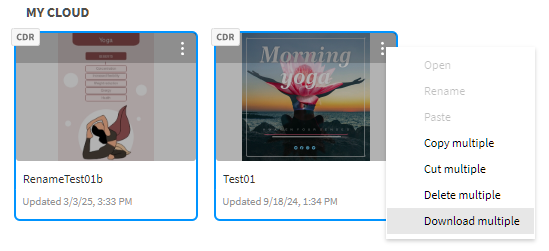
To download or delete multiple files in cloud storage, select files by holding down SHIFT or CTRL key and clicking on all the files. Then click on the 3 gray dots you see on any one file and select Download multiple or Delete multiple.
As for cloud data integrity, we have redundancy that should prevent data loss in the case of an outage.
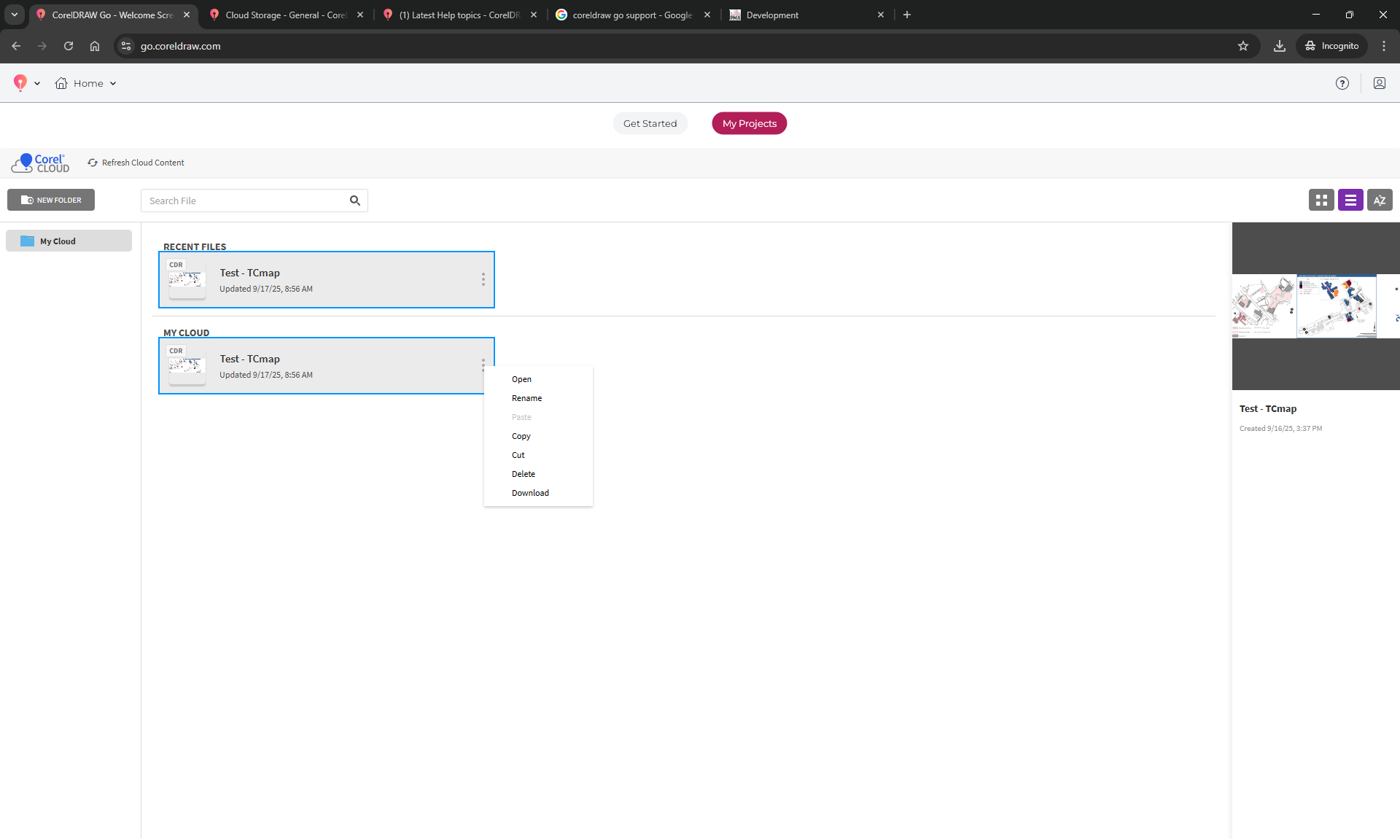
I see from your screenshot, you only have one file selected. It is the same file showing under Recent and My cloud. That is why you don’t see the multiple option. Try adding more files, then selecting all of them via SHIFT or CTRL key and then you will see the multiple options.
Apologies, how silly of me - yes that works.
Any feedback on these queries:
Would be good to have ability to upload multiple - can that be added to feature requests?
Do you have any further details on cloud data integrity - where geographically is this hosted? How many 9s? etc?