We’ve added a brand-new feature: Background remover – easily remove image backgrounds with just one click! You’ll also find other helpful updates, workflow improvements, and little fixes that add up to a better experience. Browse the list and see what’s new! And if you’ve got thoughts or ideas, don’t hesitate to share.
Image backgrounds? Gone in a click
Our AI-powered background remover creates clean, precise cutouts – simply select an image in the project space, click Remove background in the Properties panel, and then use it directly in your design, or download the new transparent PNG.
From access to saving: a better file handling experience
Your most recent projects now appear upfront on the Home screen for quick access, and saving has been improved – eliminating duplicate versions and ensuring your files stay organized.
- Fast access to recent projects: Jump back in with ease – your recent projects now appear on the Home screen, helping you stay focused and efficient from the moment you launch the app.
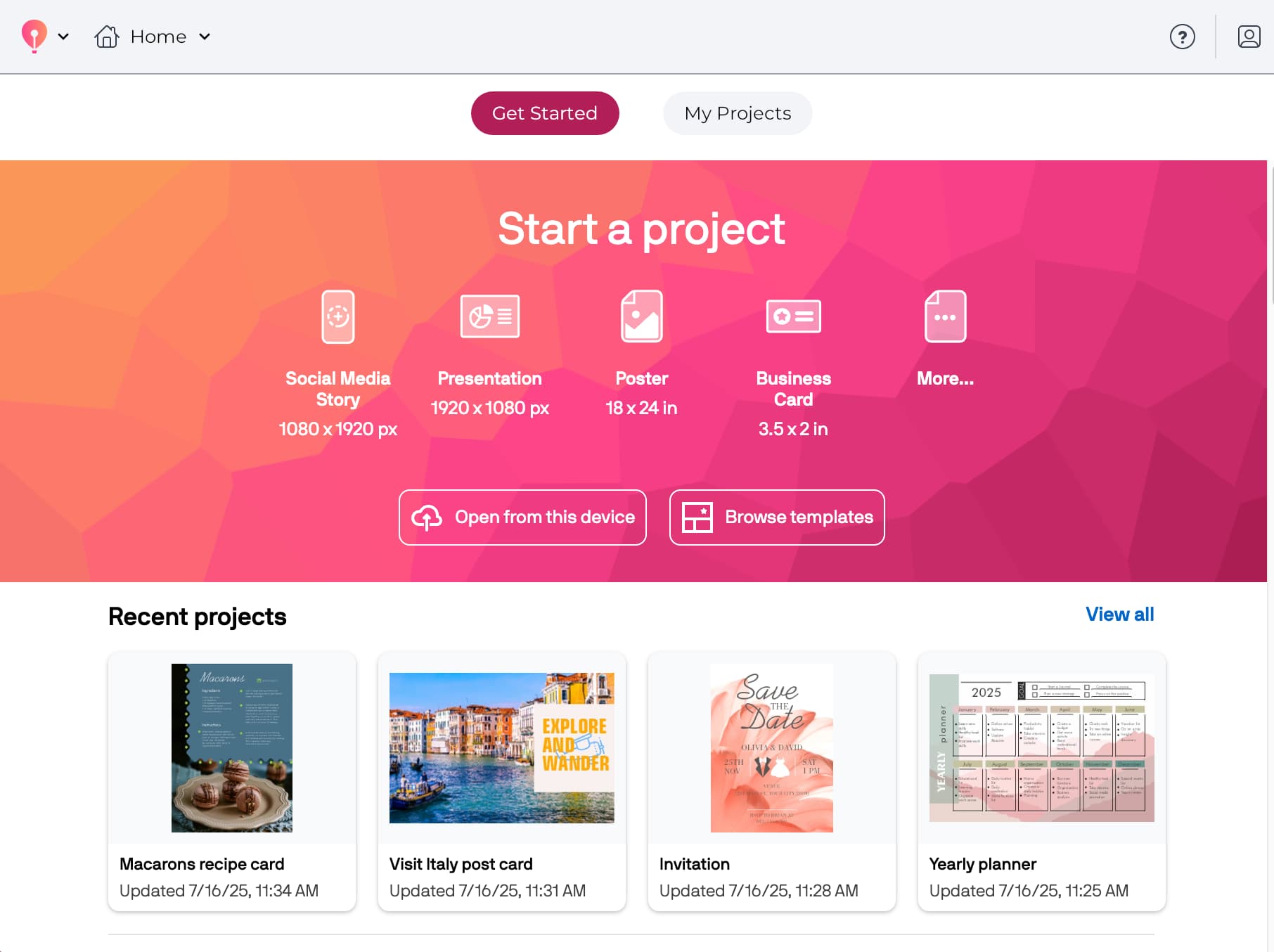
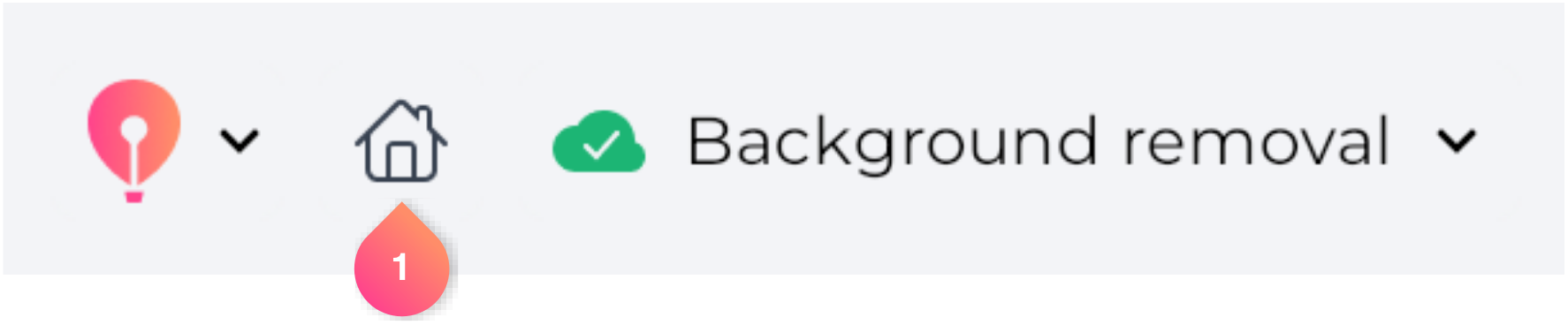
- Need to start fresh or pick a new template? Just click the Home button
 on the Navigation bar.
- The improved Save feature no longer creates unwanted duplicates, keeping your projects organized and easy to manage.
Offline? You’ll know right away
Whether you’re briefly disconnected or working without internet, the app now keeps you better informed. With clearer indicators on the Home screen and in the Assets panel, it’s easy to know when you’re offline – and just as easy to pick up where you left off once you’re reconnected. Plus, accessing local projects offline now works just as you’d expect, so you can keep creating wherever you are.
- When you’re offline, a new banner appears on the Home screen and stays visible as you scroll – so your connection status is always clear. Buttons that require a connection are grayed out, and opening or creating projects is temporarily disabled. However, you can still access features that don’t need internet, including the Open from this device option, which now reliably lets you open local projects offline.
- When the connection drops, the Assets panel switches into offline mode – search and previews are temporarily hidden, and a friendly prompt explains that internet access is needed. As soon as you’re back online, the panel refreshes itself automatically, so you can continue working without interruption.
Design tweaks that just make sense
Clearer labels, intuitive icons, and consistent unit displays – each refinement is designed to bring more clarity and confidence to your creative process.
- Templates that use pixels as the unit of measurement now show page dimensions in pixels, ensuring a consistent design experience.
- We’ve also revised the Import panel description to eliminate confusion and accurately reflect the range of supported file types, including CDR, JPG, PNG, PDF, SVG, and more.
- And to make navigation more intuitive, a small arrow now appears next to the CorelDRAW Go balloon icon on the Navigation bar – clearly indicating that it opens a menu.
Faster, smoother, steadier
From the moment the Home screen loads, everything feels faster and more stable. Behind-the-scenes updates ensure smoother performance, even on slower connections.
- The Home screen loads smoothly with no lag or visual shifts. All content, including projects and learning resources, appears at once – ensuring a polished, stable experience.
- Opening templates in rapid succession is now more reliable – no more freezing, and no need to clear your cache or reload the app.
- No more delays when adding assets quickly: Placing multiple stock assets is now fast and seamless, even if your connection is slow.
Your voice, your experience
Take a moment to complete our in-app surveys. Whether you’re sharing product feedback or answering a few profile questions, your input helps us improve CorelDRAW Go and tailor it to your needs.
- Tailored to you: Complete the profile survey, and you’ll instantly receive personalized template suggestions – so you can dive right into creating without any delay.
- Your voice matters: New in-app surveys let you quickly share feedback so we can keep improving with your needs in mind.