Hey everyone 
If you haven’t checked it out yet, we’ve got a handy video tutorial from our official YouTube channel, that walks you through the basics of CorelDRAW Go – perfect for getting comfortable creating on the go.
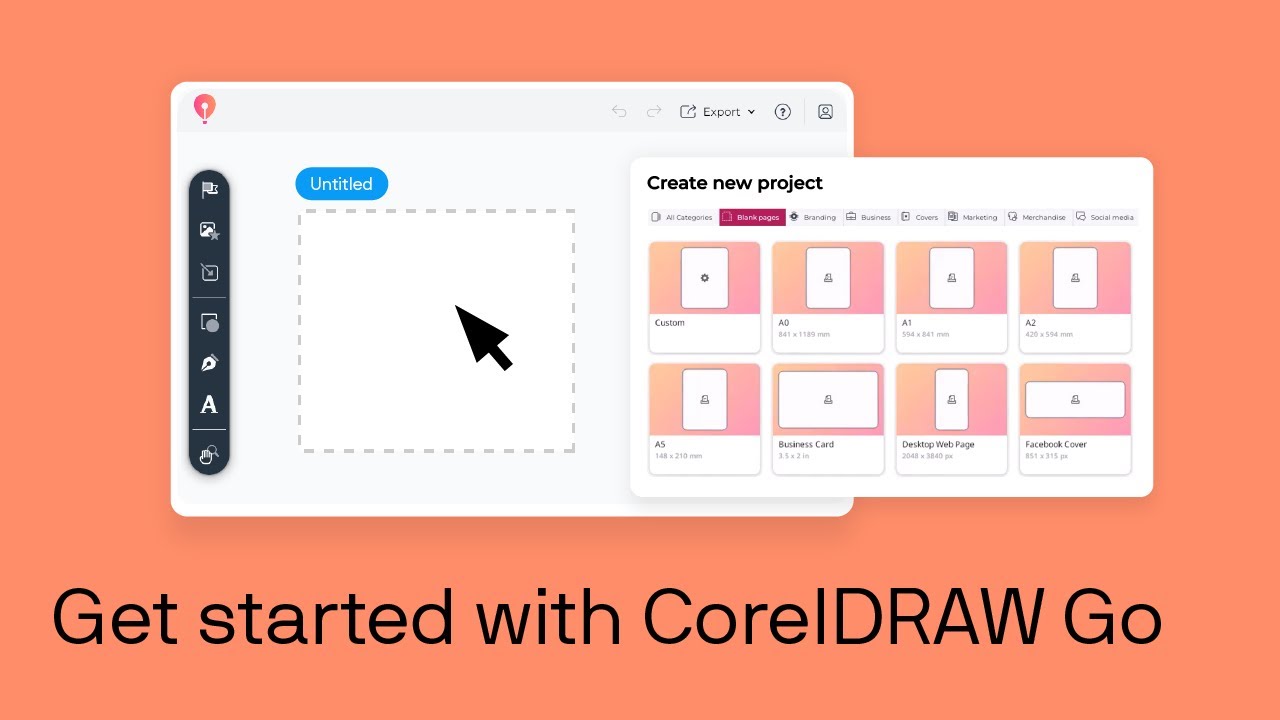
 Take a look and see how CorelDRAW Go can make designing anywhere super simple!
 In the video, you’ll see:
- A quick tour of the home screen and how to start projects fast.
- Loads of ready-to-use templates (posters, business cards, Instagram posts, and more).
- How to open and edit your own files in supported formats like CDR, PDF, and SVG.
- Saving and managing your designs in the Corel Cloud.
- Tips to easily jump back to the home screen anytime.