Hello
Is it possible and how to make a disappearing photo?
In the local program I used transparency on the photo
Adam
Hello
Is it possible and how to make a disappearing photo?
In the local program I used transparency on the photo
Adam
Hello!
Thank you for your question.
To apply transparency to images in CorelDRAW Go, follow these steps:
At this time, you cannot apply transparency on a gradient in CorelDRAW Go.
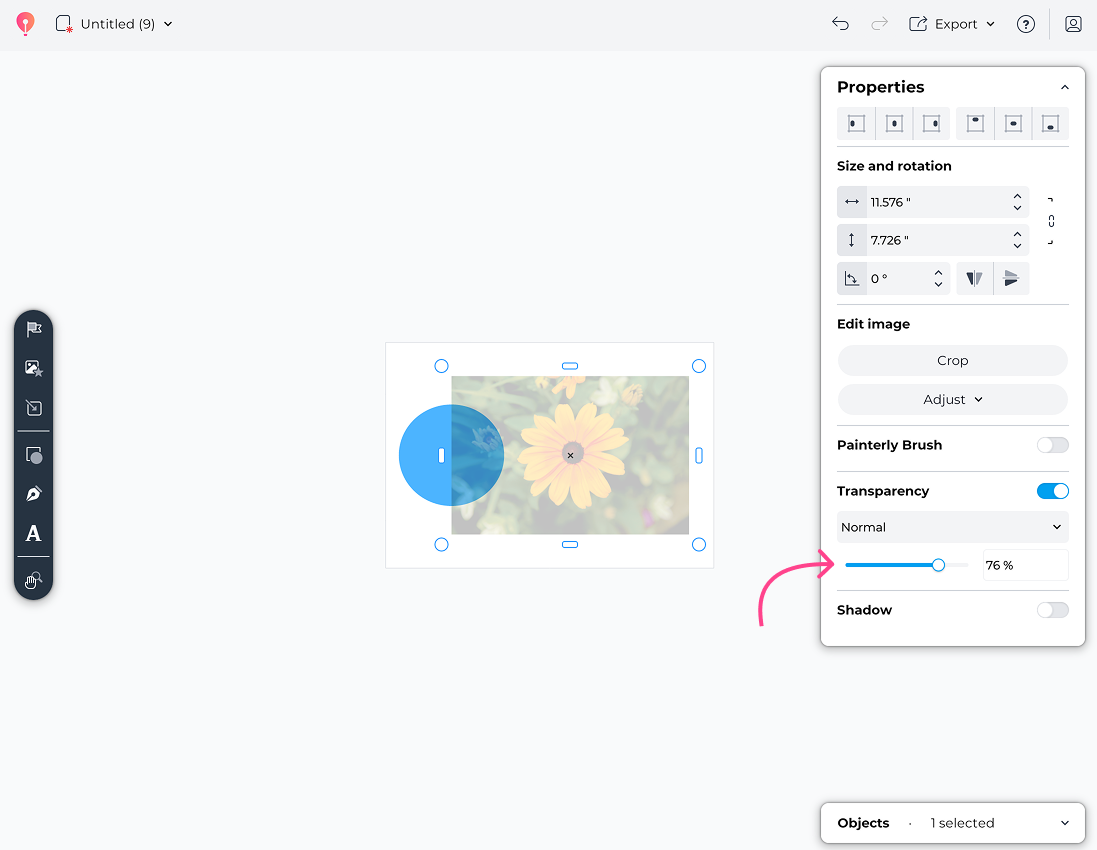
While the Gradient Transparency feature doesn’t appear directly on images, you can use a trick object over the image, such as a rectangle, and use the default background color.
Apply different transparency levels to Fill Nodes. To create nodes in the fill, double-click the desired point.
See how I created a similar effect in the image.
I hope this tip helps you in your work.